Most people who have bank accounts have access to their online bank facilities as most banks offer this service for free (although a few smaller banks seem to not have online banking access yet). Even if you’re not a long term traveler or a frequent traveler, chances are you always log on to your account to check or do financial transactions such as bills payment or money transfers as it’s more convenient than going to your actual bank locations.
Banks make sure that their websites are safe and secure to help protect their customers but as years go by, hackers and fraudsters are also finding some ways on how to go about this security to con unsuspecting people. Make sure that you exercise necessary precautions every time you access your financial accounts.
Here are some tips that can help you keep your online bank accounts safe and secure:
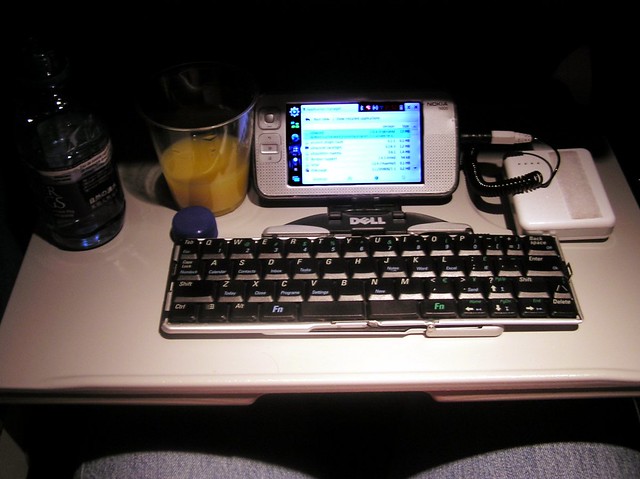 Photo Credits (Flickr CC): Micro laptop by qole2
Be Aware of Phishing Email Frauds
There are tons of emails coming from groups of people pretending to be financial institutions such as your banks, Paypal etc. At first glance you might think that they’re legit and valid but if you look closely you’ll noticed some difference with how the URL(web address) is spelled. Be very cautious in clicking emails like this. Some of these emails are asking you to verify your information so they could update their system, do not by any chance give them any information but rather contact your bank (or contact Paypal) directly to verify this email.
Do Not Use Unsecured Networks
Do not access your banks online using unsecured access such as the ones found in cafes, hotels, guesthouses or anywhere that offers free wifi especially if they’re not offering login information for access. Unsecured connections is not that safe in comparison to secured wifi connections.
Be Cautious in Using Public Computers
Be cautious in using public computers in internet cafes or anywhere else to access your bank accounts online. You don’t know if there are spyware installed in them that might capture your information. It’s best to use your own laptop or smartphone instead. Smartphones, tablets or laptops are now cheaper compare to years ago and you can buy one for less than a hundred dollar so you’ll have something to use to access the internet anywhere you go.
Register for an OTP or Visa Secure Access
Some banks nowadays are implementing OTP (One-time Password) every time you access your account online. Your OTP is usually sent to your mobile phone (number should be registered with your bank) and is required for every transaction you do in your online bank facility. Aside from OTP you could also register to Visa Secured to add another layer of protection (if your debit/credit card is Visa). When doing online payment, the online merchant website directs you to another webpage where you have to input your Visa password.
Install VPN and Anti-Spyware Software
Add another layer of protection by installing anti-spyware or VPN software to your laptop, tablet or smartphones. There are free softwares available online such as Hotspot Shield. VPN and Anti-Spyware software gives you a more secured access to the internet including to your bank’s websites.
More from FlipNomad
 Risks of Using Public Wifi that You Should Know
 Where to Buy DSLR in Phnom Penh Cambodia?
 Top Four Ways to Earn Miles Without Flying
 Five Tips to Stay Productive While Working from Coffee Shops Anywhere in the World
 How to Access Blocked Websites Securely
 How to Prevent Identity Theft While Traveling
 Explore Asia with WithLocals.com
 My Top Five Tips for Digital Nomads